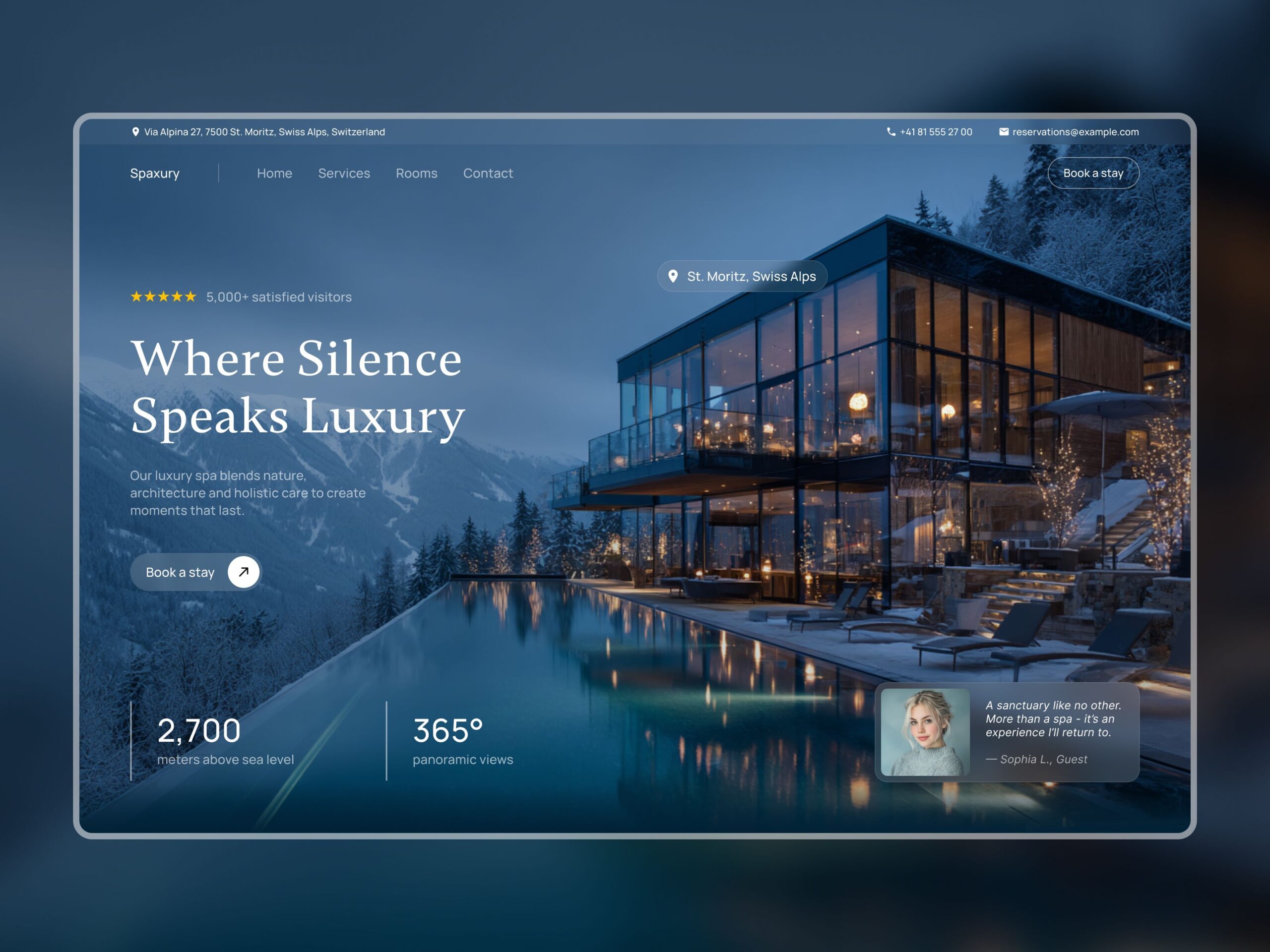
A website is often the first place people interact with a business.
Before contacting a company, making a purchase, or booking a service, many people will first visit its website. In a few seconds, they form an impression based on how the site looks, how quickly it loads, how easy it is to navigate, and whether the information they need is easy to find.
That is why web design is about much more than choosing attractive colors and adding images.
A good website needs to work well for both people and the business behind it.
And as websites become more complex, the way design teams manage their projects has become just as important as the final design.
What Does Modern Web Design Really Mean?
When people hear “web design,” they often think about layouts, fonts, images, buttons, and colors.
Those things certainly matter.
But modern website design services involve much more.
A professional website needs to consider:
- User experience
- Mobile responsiveness
- Navigation
- Page structure
- Visual hierarchy
- Accessibility
- Performance
- Branding
- Content
- Security
- Ongoing maintenance
The goal is to create a website that doesn’t simply look good but also makes it easy for visitors to understand what a business offers and take the next step.
Why User Experience Matters
Imagine visiting a website and immediately seeing a beautiful animation.
It looks impressive.
But you can’t figure out where to find the company’s services.
You click around for a while and eventually give up.
That’s a design problem.
A successful website should guide visitors naturally.
Users should be able to answer basic questions quickly:
What does this company do?
What products or services does it offer?
Why should I choose it?
How can I contact them?
Good web design services focus on making these interactions simple rather than overwhelming visitors with unnecessary elements.
Responsive Web Design Is No Longer Optional
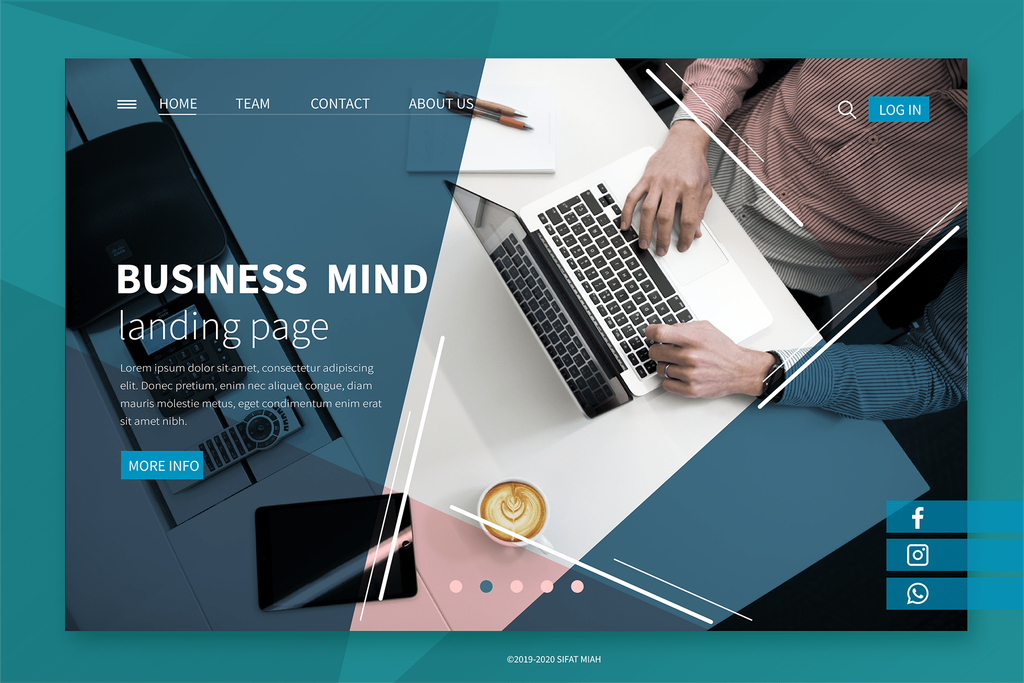
People don’t access websites only from desktop computers.
They use:
- Smartphones
- Tablets
- Laptops
- Desktop computers
- Large displays
A website that looks great on a desktop but becomes difficult to use on a smartphone can lose visitors quickly.
This is why responsive web design is so important.
A responsive website adjusts its layout and content to different screen sizes, making the experience more consistent across devices.
For businesses, this means visitors should be able to browse their website comfortably whether they’re sitting at a desk or using a phone while travelling.
Pocket Office’s design solution specifically highlights responsive web design and flexible access to creative assets across devices.
The Creative Process Can Get Messy
There’s another side of web design that visitors never see.
The design team.
A single website project may involve:
- Web designers
- Graphic designers
- Developers
- Copywriters
- Marketing teams
- Clients
- Reviewers
Everyone may be working with different files and versions.
One person sends a design through email.
Someone else edits a file.
Another team member downloads an older version.
Eventually, people start asking:
“Which file is the latest one?”
This is one of the biggest challenges creative teams face.
Keeping Creative Assets Organized
Website projects can involve a surprising number of digital assets.
There may be:
- Logos
- Images
- Videos
- Design files
- Brand guidelines
- Illustrations
- Wireframes
- Mockups
- Website content
- Project documents
Keeping all of these files organized becomes increasingly important as a project grows.
Pocket Office provides centralized creative workspaces where large design files, media assets, and project folders can be organized in one cloud desktop.
You can learn more about the platform through the Pocket Office cloud workspace.
Collaboration Makes the Design Process Better
Great websites rarely come from one person working alone.
A designer might create the layout.
A marketing manager might suggest changes.
A client might request revisions.
A developer might explain what is technically possible.
All of these conversations need to happen somewhere.
With a shared workspace, teams can collaborate around the same project assets instead of relying entirely on separate email attachments and disconnected conversations.
Pocket Office’s web design solution supports shared workspaces and real-time collaboration so designers, reviewers, and stakeholders can work with clearer visibility and fewer version conflicts.
Version Control Can Save a Lot of Frustration
One of the most common problems in creative projects is accidentally working on an outdated file.
For example:
Homepage-final.psd
Then:
Homepage-final-v2.psd
Then:
Homepage-final-v2-new.psd
And eventually:
Homepage-final-REALLY-FINAL.psd
We’ve all seen some version of this.
A centralized workspace can help teams keep project assets organized and reduce unnecessary duplication.
That means designers can spend more time designing and less time figuring out which file they should open.
Designers Need Flexibility Too
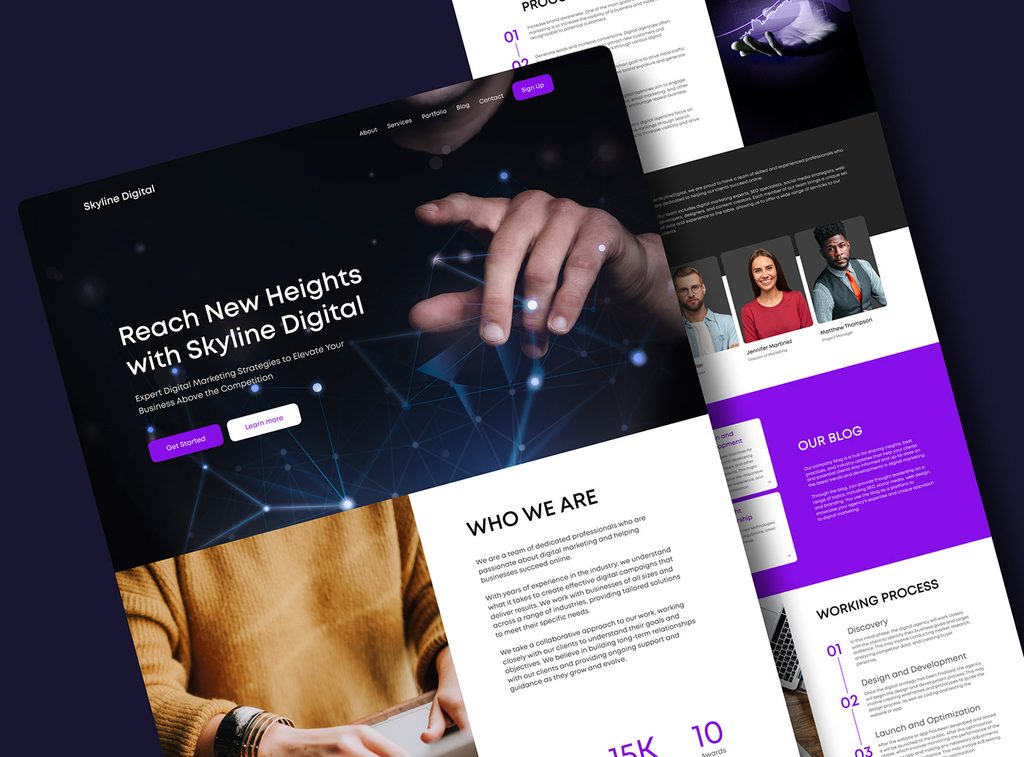
Creative work doesn’t always happen at a desk.
A designer might have an idea while travelling.
A client might request a change while the designer is away from the studio.
A team member might need to review a project from another location.
This is where cloud-based workspaces can be useful.
Pocket Office allows design teams to access their creative workspace across devices, helping them move between studio systems and personal devices without unnecessarily disrupting their workflow.
This is particularly useful for remote and hybrid design teams.
Working With Professional Design Tools
Web designers often rely on specialized applications.
Depending on the project, they may use tools such as:
- Adobe Creative Cloud
- Figma
- Canva
Switching between these applications and different storage locations can make project management more complicated.
Pocket Office supports web design workflows by integrating with Adobe Creative Cloud, Figma, and Canva, along with cloud storage tools for file sharing.
This means teams can continue using familiar creative tools while having a more centralized environment for managing their work.
Good Web Design Also Supports Business Goals
A website shouldn’t exist simply because every business is expected to have one.
It should have a purpose.
For one business, that might be generating leads.
For another, it could be selling products.
For a consulting company, it might be building credibility and encouraging visitors to schedule a consultation.
For a creative agency, the website may act as a portfolio.
This is why website design services should start with business objectives.
Before choosing colors or layouts, it’s worth asking:
What do we want visitors to do?
Once that question is answered, the design can be built around that goal.
Performance Matters Too
A beautiful website isn’t very useful if it takes too long to load.
Visitors expect websites to respond quickly.
Slow pages can create frustration and make users leave before they even see the content.
Good web design therefore needs to consider performance alongside aesthetics.
Images should be optimized.
Pages shouldn’t be overloaded with unnecessary elements.
Navigation should be straightforward.
The technical structure should support the user experience rather than work against it.
Security Should Be Part of the Design Workflow
Website projects also involve sensitive information.
Design teams may work with:
- Client files
- Brand assets
- Product information
- Marketing materials
- Website credentials
- Internal documents
Not everyone involved in a project needs access to everything.
This is where role-based access and team permissions become useful.
Pocket Office includes role-based access, team permissions, backup and recovery, and secure data protection as part of its broader cloud workspace.
Security shouldn’t be something teams think about only after a problem occurs.
It should be considered throughout the workflow.
Web Design and the Rise of Distributed Teams
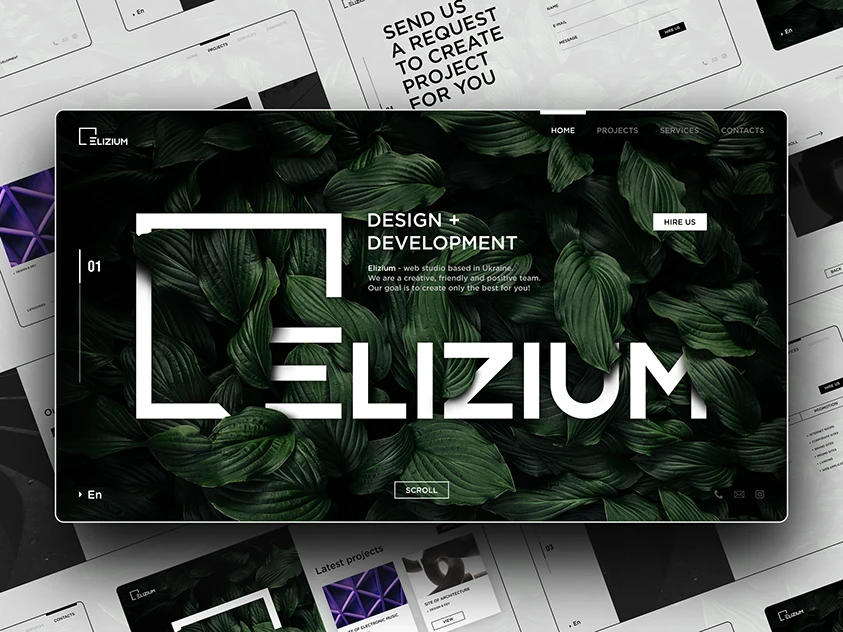
The web design industry is naturally suited to remote collaboration.
A designer doesn’t necessarily need to sit in the same office as the developer.
A client doesn’t need to be in the same city as the agency.
A marketing manager can review a design from another country.
Cloud-based collaboration makes this possible.
But distributed teams still need the right systems.
Without organized files, clear permissions, and shared workspaces, remote collaboration can become just as messy as traditional collaboration.
The technology should make working apart feel less like working apart.
How Pocket Office Supports Web Design Teams
Pocket Office provides a cloud-based environment designed to help creative and web design teams organize their work.
Its design-focused solution includes:
- Centralized creative assets
- Shared workspaces
- Real-time collaboration
- Cross-device access
- File organization
- Team permissions
- Integration with creative software
The platform also provides Desktop as a Service (DaaS), allowing organizations to access their work environment through the cloud while supporting remote and hybrid teams.
You can explore the complete Web Design Services and Creative Collaboration solution to learn more.
Businesses looking for a broader cloud workspace can also explore the Pocket Office platform.
What Should Businesses Look For in a Web Design Partner?
If you’re considering professional web design services, don’t look only at the portfolio.
A good design partner should understand:
Your Audience
Who will actually use the website?
Your Business Goals
What should the website help you achieve?
User Experience
Can visitors find what they need quickly?
Mobile Experience
Does the website work properly across different screen sizes?
Content
Does the design make important information easy to understand?
Scalability
Can the website grow as the business grows?
Collaboration
How will your team communicate with the designers and review work?
These questions can help businesses choose a web design approach based on long-term value rather than appearance alone.
Final Thoughts
A successful website is more than a collection of attractive pages.
It’s a combination of design, technology, content, usability, performance, and business strategy.
At the same time, the process of creating that website needs to be organized.
Designers need access to the right files. Clients need an easy way to review work. Teams need to collaborate without constantly searching through emails for the latest version.
That’s why modern web design increasingly depends on cloud-based collaboration and organized creative workspaces.
With centralized assets, real-time collaboration, responsive web design, cross-device access, and integrations with creative tools, teams can spend less time managing files and more time creating better digital experiences.
Pocket Office brings these capabilities together in a cloud workspace designed for modern creative and web design teams.
Because great web design isn’t just about what visitors see—it’s also about how efficiently the people behind the website can work together.
Get in Touch with Pocket Office
Malaysia: +60 146600012
USA: +60 146600012
India: +91 9967940928
Website: https://pocket-office.ai
Leave a Reply