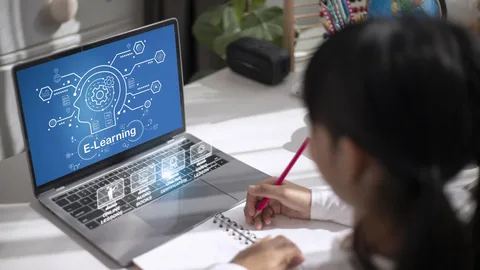
Education is no longer limited to what happens inside a classroom. Students may begin an assignment at school, continue working from home, join a remote lesson, or collaborate with classmates from different locations.
As learning becomes increasingly digital, schools and educational institutions need systems that can keep these experiences connected.
This is where AI in education can become part of a broader digital learning strategy.
Rather than thinking of artificial intelligence only as a tool for generating answers or automating individual tasks, educators can look at how technology can support communication, organization, access to learning resources, and more connected learning environments.
When combined with cloud-based tools and education management software, AI can contribute to a more flexible way of organizing modern education.
1. Creating a More Connected Digital Classroom
A digital classroom should provide more than a place to upload assignments.
Students and educators may need access to lesson materials, documents, assignments, communication tools, and collaboration resources from the same environment.
Artificial intelligence in education can support this connected approach by helping institutions organize and manage increasingly digital learning experiences.
A centralized cloud workspace can provide students and teachers with a consistent environment where important learning resources remain accessible.
This can be particularly useful when students move between classrooms, computer labs, and home learning environments.
2. Supporting Classroom-to-Home Learning

One of the challenges of digital education is maintaining continuity when students change locations.
A student might begin an assignment on a school computer and need to finish it at home. If files are stored locally, the student may have to transfer documents or start again on another device.
Cloud-based learning environments can reduce this friction.
With a centralized workspace, students can continue accessing their learning materials across supported devices instead of depending on a single computer.
This approach supports the idea that learning can continue beyond school walls.
Pocket Office’s Education solution is designed around this classroom-to-home model, allowing students to access learning resources and continue their work across locations.
3. Making Learning Resources Easier to Organize
Educational institutions manage a large amount of information.
Teachers may work with:
- Lesson plans
- Assignments
- Presentations
- Study materials
- Videos
- Worksheets
- Research documents
- Student projects
- Assessment resources
When these materials are scattered across different platforms, finding the right information can become difficult.
A centralized education management software environment can help bring important resources together.
AI can further support organizations as they manage larger volumes of digital information, helping create more structured workflows around educational content.
The goal is not to replace teachers. Instead, technology can help reduce some of the organizational friction surrounding teaching and learning.
4. Supporting Different Learning Environments
Not every student learns in exactly the same environment.
Some students attend traditional classrooms. Others may participate in hybrid programs or remote learning. Institutions may also use computer labs and specialized learning spaces.
A flexible digital learning environment needs to support these different situations.
AI in education can contribute to more adaptable digital experiences by helping institutions use technology across different learning environments.
A cloud desktop can provide a consistent workspace so that students and educators do not have to completely change their workflow when moving between locations.
This can make digital learning more accessible and easier to manage.
5. Improving Collaboration Between Students and Educators
Education is highly collaborative.
Students work together on projects, teachers share resources, and administrators coordinate activities across departments.
Without a central system, collaboration can become fragmented across emails, messaging applications, shared folders, and different educational platforms.
A unified workspace can bring collaboration closer to the learning environment.
Students can work with shared resources, educators can organize course materials, and teams can maintain access to relevant files.
Pocket Office’s Education solution supports a unified digital classroom with collaboration resources alongside learning materials and assignments.
6. Protecting Access to Educational Resources
Digital education also creates an important responsibility: controlling who can access different types of information.
Students, teachers, administrators, and other staff members do not necessarily need the same level of access.
For example, students may need access to their course materials, while educators may require access to teaching resources and administrative teams may need broader organizational information.
Role-based permissions can help institutions create clearer boundaries.
Within education management software, access controls can help ensure that users see the information relevant to their responsibilities.
Pocket Office uses role-based permissions so students, educators, and administrators can have access to appropriate content within the digital learning environment.
7. Connecting Education Platforms in One Workflow

Educational institutions rarely depend on a single software platform.
A school may use one system for classroom management, another for assignments, another for communication, and additional tools for digital learning.
This can create unnecessary complexity if each platform operates independently.
Modern education management software can help bring these workflows together.
Pocket Office supports integrations with platforms such as Google Classroom, Moodle, Canvas LMS, and Microsoft Teams for Education.
The benefit of integration is not simply having more applications. It is creating a more connected environment in which students and educators can access the tools they already use without constantly switching between disconnected workflows.
AI Should Support Educators, Not Replace Them
Discussions around artificial intelligence in education often focus heavily on automation.
But technology has another important role: supporting the people who make education possible.
Teachers still provide instruction, encouragement, context, feedback, and human interaction. Students still need guidance, discussion, creativity, and critical thinking.
AI and digital technology should therefore be considered part of the educational environment rather than a replacement for the people within it.
The most useful implementations are likely to be those that solve practical problems while keeping educators and students at the center of the learning experience.
Building a More Flexible Future for Education
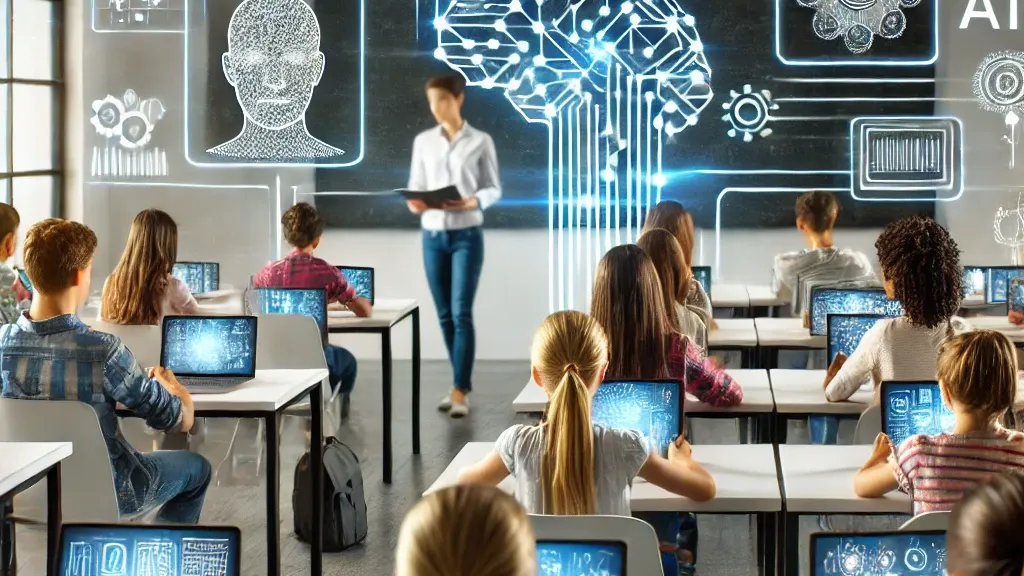
The future of education will likely involve a combination of classroom teaching, cloud platforms, digital resources, remote access, collaboration tools, and AI-supported workflows.
This does not mean every educational institution needs to completely transform its existing systems overnight.
Instead, schools can begin by identifying areas where technology can solve genuine problems.
For example:
- Are students struggling to access files from home?
- Are teachers managing resources across too many platforms?
- Are assignments difficult to organize?
- Do students need a more consistent digital workspace?
- Are different user roles receiving appropriate access?
- Could existing educational platforms work together more effectively?
Answering these questions can help institutions identify where digital tools can provide practical value.
Final Thoughts
AI in education is about more than artificial intelligence itself.
It is also about creating learning environments where technology, people, resources, and communication can work together more effectively.
With the right combination of education management software, cloud-based workspaces, collaboration tools, integrations, and access controls, institutions can create learning environments that are more connected across classrooms, labs, remote sessions, and home study.
The objective is simple: make it easier for students to learn and for educators to teach, wherever learning takes place.
Pocket Office supports this approach with a unified cloud desktop designed for learning materials, assignments, collaboration, remote education, and secure access across devices.
Get in Touch with Pocket Office
Malaysia: +60 146600012
USA: +60 146600012
India: +91 9967940928
Website: https://pocket-office.ai/
Leave a Reply