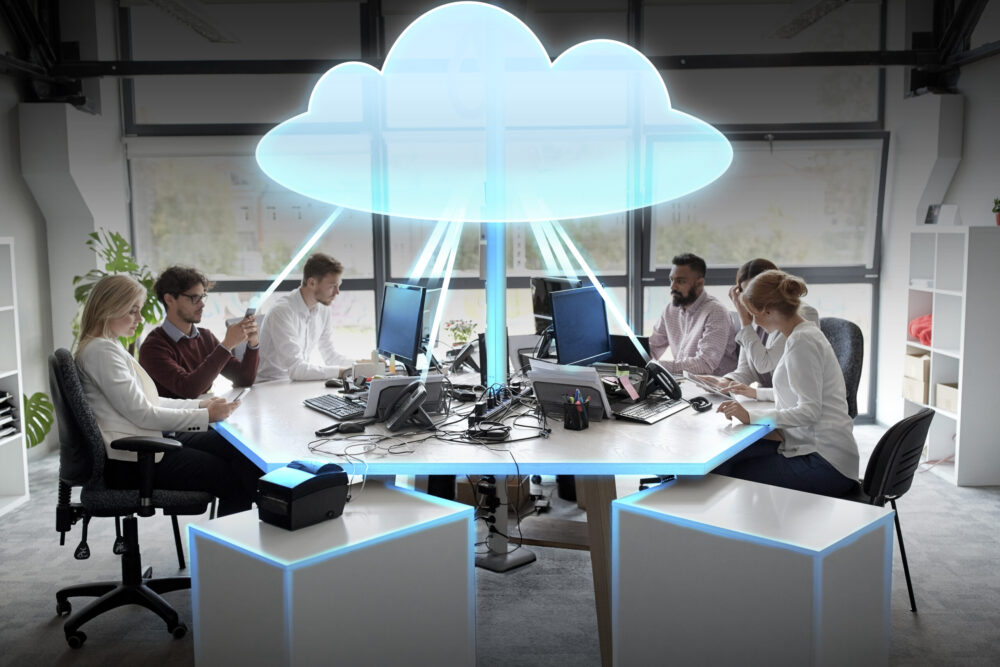
Technology has made it much easier for businesses to work from almost anywhere. But it has also created a few new headaches for IT teams.
Think about what happens when a new employee joins the company. Someone has to prepare their computer, install the right applications, create accounts, provide access to files, and make sure everything works properly.
Now multiply that by 20, 50, or even 100 employees.
It can quickly become a lot to manage.
The same thing happens when employees start working remotely, change roles, use different devices, or suddenly lose access to an important application.
This is where cloud desktops can make everyday IT management much simpler.
Instead of keeping an employee’s entire work environment tied to one physical computer, a cloud desktop provides a virtual workspace hosted in the cloud. Employees can access their work environment through an authorized device and an internet connection.
Let’s look at five common IT problems businesses face and how cloud desktops can help.
1. New Employee Setup Takes Too Much Time
Hiring a new employee should be an exciting moment.
For the IT team, however, it can mean another long checklist.
A new employee might need:
- A computer
- Email and user accounts
- Business applications
- Access to company files
- Security settings
- Communication tools
- Department-specific software
If everything has to be configured manually, onboarding can take hours.
And when a company is hiring several people at once, the workload grows quickly.
How a Cloud Desktop Helps
With a virtual desktop solution, businesses can create a more consistent digital environment for employees.
For example, the marketing team can have access to its required applications, while the finance team receives the tools relevant to its work.
Instead of building every employee’s environment from scratch, IT teams can provide access to an already prepared workspace.
It’s a small change that can save a lot of repetitive work.
2. Employees Are Working From Too Many Places

The office is no longer the only place where work happens.
An employee might start the day at home, attend a client meeting in the afternoon, and finish their work from another location.
For businesses with remote and hybrid teams, this flexibility is great.
The IT side of things isn’t always as simple.
Employees still need access to their applications, files, and work resources wherever they are.
How a Cloud Desktop Helps
A cloud workspace gives employees a way to access their digital work environment without being completely dependent on a particular office computer.
As long as the necessary access and security requirements are met, employees can work from different locations using an authorized device.
This can be particularly useful for:
- Remote employees
- Hybrid teams
- Travelling employees
- Distributed teams
- Multi-location businesses
Instead of asking, “Which office computer do you need to use?”, businesses can provide a more flexible digital workspace.
3. Managing Different Devices Is Becoming a Headache
Here’s a familiar situation for many IT teams.
One employee has a new laptop.
Another has an older computer.
Someone else is using a different operating system.
Another employee is temporarily working from a personal device.
Now imagine trying to keep applications, settings, updates, and access consistent across all of them.
It can become difficult very quickly.
How a Cloud Desktop Helps
With a cloud desktop service, more of the employee’s working environment can be managed centrally.
The physical device becomes the way the employee connects to the workspace rather than being responsible for storing and managing the entire working environment.
This can give businesses a more consistent setup across different devices.
It can also make life easier for IT teams when employees switch devices or work from different locations.
4. A Broken Laptop Can Bring Work to a Stop
We’ve all experienced that frustrating moment when a computer suddenly stops working.
For an employee, it might mean losing access to important files and applications.
For the business, it can mean lost productivity.
With a traditional desktop setup, replacing a computer may involve reinstalling applications, restoring files, configuring accounts, and setting up everything again.
Depending on the situation, this can take hours or even longer.
How a Cloud Desktop Helps
One of the advantages of a cloud-based working environment is that the employee’s workspace isn’t necessarily tied to one physical machine.
If an authorized replacement device is available, the employee may be able to access their cloud workspace from that device, depending on the organization’s configuration.
The broken laptop still needs to be repaired or replaced, of course.
But the employee may not have to wait for the entire digital environment to be rebuilt before getting back to work.
For businesses where downtime matters, that flexibility can be valuable.
5. Managing Employee Access Gets Complicated
Another challenge appears when employees move between roles or leave the company.
Someone may have access to:
- Business applications
- Shared folders
- Customer information
- Internal documents
- Communication platforms
- Department resources
When their role changes, their access should change too.
When they leave, their access needs to be removed.
If information and applications are spread across different systems, managing these permissions can become messy.
How a Cloud Desktop Helps
A centralized digital workspace can make user and access management more structured.
Businesses can provide employees with access based on their role.
For example:
Marketing employees → Marketing applications and resources
Finance employees → Finance applications and resources
Managers → Management resources
This approach helps businesses avoid giving everyone access to everything.
Pocket Office supports features such as role-based access and team permissions, helping businesses manage their cloud workspace in a more organized way.
The Bigger Benefit: Less IT Busywork
When you look at these five problems, there’s something they all have in common.
They involve a lot of repetitive IT work.
IT teams are constantly:
- Setting up devices
- Installing applications
- Managing accounts
- Changing permissions
- Troubleshooting computers
- Supporting remote employees
None of these tasks are necessarily difficult.
But together, they can consume a lot of time.
A centralized cloud environment can help reduce some of this repetitive work and give IT teams more time to focus on bigger priorities.
But What About Security?

This is an important question.
Moving a workspace to the cloud doesn’t automatically make it secure.
Businesses still need to think carefully about how users and data are protected.
A good secure cloud desktop setup should consider:
- User authentication
- Access permissions
- Data protection
- Secure connections
- Backup and recovery
- Device security
- Administrative controls
The goal should be to make remote access convenient without losing control over business information.
Pocket Office provides features such as role-based access, team permissions, data protection, and backup and recovery as part of its cloud workspace approach.
Cloud Desktops Can Also Help Growing Businesses
Small businesses often start with a simple IT setup.
Maybe there are only five or ten employees, so managing individual computers isn’t particularly difficult.
But then the business grows.
Suddenly there are 30 employees.
Then 50.
Then perhaps employees are working from different cities or countries.
The IT environment grows with the business, and the old way of managing everything may no longer be practical.
A cloud desktop solution can provide a more centralized approach as the organization grows.
New employees can be given access to the workspace they need, while administrators can manage users and permissions from a central environment.
Cloud Desktop vs. Traditional Desktop
The difference can be summed up quite simply.
| Traditional Desktop | Cloud Desktop |
| Work environment is mainly tied to a physical computer | Work environment is hosted in the cloud |
| More device-by-device setup | Greater centralized management |
| Device problems can interrupt work | Workspace may be accessible from another authorized device |
| Remote access may require additional setup | Designed to support flexible access |
| Applications are often managed individually | Applications can be provided through the virtual environment |
| Scaling can require repeated device configuration | User workspaces can be provisioned centrally |
Of course, cloud desktops aren’t the perfect answer for every business.
The right solution depends on the company’s applications, security requirements, internet connectivity, budget, and working model.
But for organizations dealing with remote employees and growing IT complexity, they can be worth considering.
Where Pocket Office Fits In
Pocket Office provides a browser-based cloud desktop and digital workspace designed to bring applications, files, storage, and teams into one centralized environment.
This can be useful for businesses that have:
- Remote employees
- Hybrid teams
- Multiple offices
- Distributed workforces
- Growing teams
- Employees who need flexible access to business applications
Rather than making one physical computer the center of an employee’s working environment, Pocket Office provides a cloud workspace that employees can access through a browser.
You can learn more about the platform here:
If your business also works with outsourced teams, you can explore Pocket Office’s Business Process Outsourcing solutions, which support centralized workflows, documentation, performance tracking, and distributed workforce coordination.
Are Cloud Desktops Right for Your Business?
Before making a decision, it’s worth asking a few straightforward questions.
Do your employees work remotely?
If yes, a cloud-based workspace may make access easier to manage.
Does your IT team spend too much time setting up computers?
Centralized workspaces can reduce some repetitive configuration.
Do employees use different devices?
A cloud desktop can provide a more consistent working environment.
Is your company growing quickly?
A centralized approach can make adding new users more manageable.
Do employees need access to the same applications from different locations?
A cloud workspace may provide a simpler way to deliver that access.
The answers can help you determine whether a cloud desktop or another type of workspace solution makes sense for your business.
Final Thoughts
Most businesses don’t wake up thinking, “We need a cloud desktop.”
They usually start with a problem.
A new employee takes too long to set up.
A remote worker can’t access something they need.
An employee’s laptop stops working.
IT spends too much time managing individual devices.
Someone changes roles and their access needs to be updated.
These may seem like small problems individually, but they can add up as a company grows.
Cloud desktops offer a different way of handling these everyday challenges.
By moving the working environment into the cloud, businesses can create a more flexible and centralized way for employees to access their tools and resources.
For modern businesses, the biggest benefit may simply be having less technology getting in the way of getting work done.
Pocket Office brings this idea together through a browser-based cloud workspace that combines applications, files, storage, and teams in one environment.
As remote work and distributed teams continue to become part of everyday business, having a flexible digital workspace isn’t just convenient—it can make day-to-day operations much easier.
Get in Touch with Pocket Office
Malaysia: +60 146600012
USA: +60 146600012
India: +91 9967940928
Website: https://pocket-office.ai/
Leave a Reply